
Blog
Website status: is it the site or my connection?
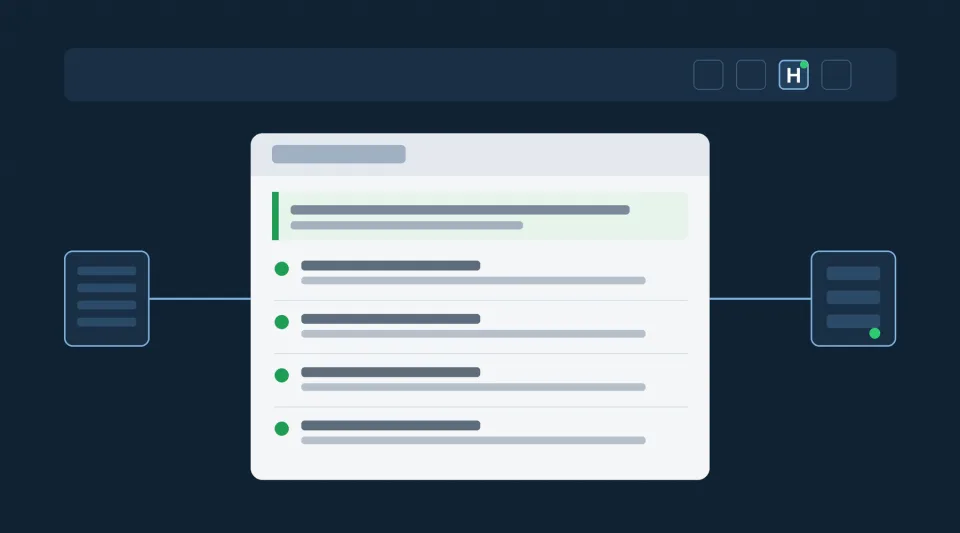
In short: On jumboblock.de, zanni.de and jumboblockmusic.com, the “H” button at the top right shows whether the website is working properly. The check runs live in your browser. It shows whether our files are unchanged, whether a second, separate server confirms this, and whether the files reach you unchanged.
We all know it: a website does not load properly, a button does not respond, the page looks odd. Then comes the question: is it the site, or my computer, my network, my firewall? On our websites, one click now gives you the answer.
What already runs in the background
Our websites have been monitored around the clock since early November. Every file is compared hourly via SHA-256 with an approved state. Every approval is signed with Ed25519, and the private key is not stored on the servers. A compromised server therefore cannot forge a state. In addition, three independent hosting packages check each other. Any deviation triggers an immediate alert.
This monitoring stays as it is. What is new is that you as a visitor can see the result and verify it yourself.
Four checks with one click
- Self-check: the website’s server compares its files with the signed state. You see the result and when the last check ran.
- Independent check: a second, separate server checks the website from outside and fetches the publicly delivered files itself. Your browser retrieves this result directly from there, not via the website being checked.
- Your connection: online or offline, encrypted via HTTPS, and the response time. If only one of our servers responds, the cause can be narrowed down.
- Received files: your browser itself calculates the checksums of the loaded style and script files and compares them with the version on the server. This reveals changes on the way to you, for example by a proxy, a network filter or a browser extension.
All four checks add up to one sentence that answers the question. For example: “The website is working normally. If something does not work, the cause is most likely your browser, an extension or your network.” Or the other way round: “The problem is on our side.”
A green dot on the “H” button means: the last check found no deviation. One more click shows the full overview. The Website status page explains how the procedure works.
Verifiable instead of a seal
Many websites display a security seal. A seal is a picture. It says nothing about whether the site is unchanged at this moment, and nobody can verify it. We take the other route: the website checks itself, a second server checks it from outside, and your browser checks what has reached you. Each of these steps is visible to you.
Data-minimal
The check runs in your browser. Only our own websites are queried. No cookies are set and no visitor data is logged.
The same standards as for our installations
For our installations, verifiability is the principle. The readings in the JUMBO BLOCK Dashboard carry an integrity proof anchored on IOTA. For operators of critical infrastructure under KRITIS, NIS-2 and CRA, what counts is what can be proven. The same now applies to our own websites.
Try it: click “H” at the top right. Website status is also available on zanni.de and jumboblockmusic.com.